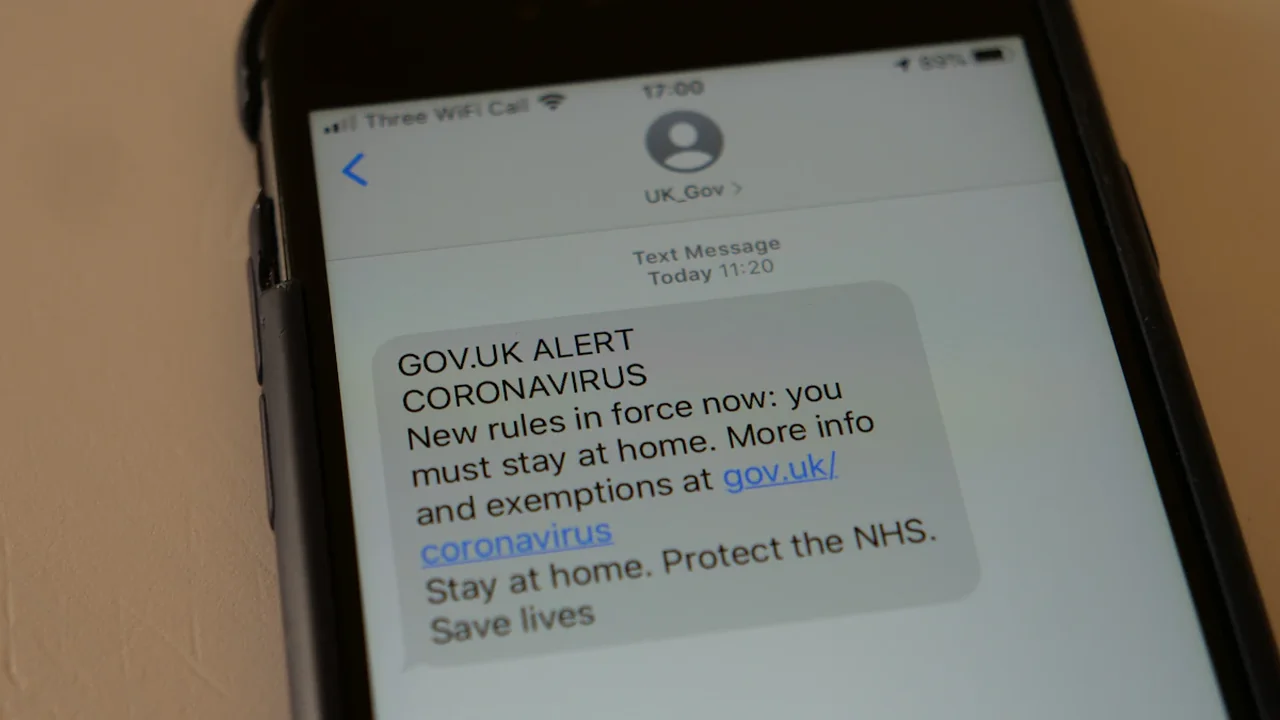
A UK Emergency Alert can make a compatible mobile phone produce a loud siren-like sound and vibrate even when the device is set to silent. If one arrives, read the message immediately, follow its safety instructions and use the official GOV.UK alerts page to check current notices.
Why an emergency alert overrides silent mode
Emergency Alerts are public safety warnings sent when there is a serious danger to life in a particular area. They may be issued by authorised government bodies and emergency services responding to threats such as severe flooding, fires or extreme weather.
The distinctive sound and vibration are designed to attract attention quickly. An official alert appears on the phone screen and explains what has happened, which area is affected and what action people should take.
Do not rely on social media speculation or unofficial search results before acting. Follow the instructions displayed, then confirm the notice through the official GOV.UK Emergency Alerts page.
Check whether your phone can receive alerts
Reception depends on the device, its software, network connection and alert settings. Useful checks include:
- Install the latest available operating-system and security updates.
- Confirm that the phone is connected to a supported UK mobile network.
- Check that emergency alert notifications remain enabled in the device settings.
- Make sure the phone is switched on and not limited to Wi-Fi or an unsupported network mode.
- Ask the device manufacturer or mobile provider about compatibility if alerts are unavailable.
Older phones and some devices without a suitable mobile-network connection may not receive the warning. Emergency Alerts do not replace local radio, television, official websites or direct instructions from emergency responders.
Prepare for accessibility and personal safety needs
The sudden sound and vibration may be difficult for people with sensory sensitivities, hearing needs or circumstances in which a concealed phone must remain unnoticed. Review the device’s accessibility and emergency-alert options in advance, and seek guidance from the phone manufacturer or a relevant support service where personal safety is involved.
People who need assistance understanding an alert should contact someone they trust, while continuing to follow any urgent safety direction shown on the screen.
How to distinguish an official alert from a scam
A genuine system alert is not an ordinary SMS, messaging-app notification or email. It uses the phone’s emergency warning function and does not require a reply.
Official alerts will not ask for payment, bank information, passwords or account details. Do not follow payment requests or provide personal information after receiving a text that claims to be connected to an emergency warning.
If uncertain, open GOV.UK independently rather than using a link from an unexpected message. The government alert page is the appropriate place to confirm active notices. Do not assume that an alert or national test is planned unless an official announcement gives a date and details.
Source: GOV.UK
Context & actions About this article
Source check Official safety information
The guidance is based on the United Kingdom Government's explanation of how Emergency Alerts work and where active notices are published.
- Confirmed that compatible phones may sound and vibrate while set to silent.
- Checked the official page used to publish current emergency alerts.
- Kept alert and test timing conditional on an official announcement.
- Source
- GOV.UK Emergency Alerts
- Scope
- United Kingdom
- Updated
- 2026-08-16 16:17
Source check
Report a trust issue
Send a clear signal to community moderation if the source, facts or context need review.




Comments